2026-06-15
Task Bar Hero v1.00.12 Safety Checklist Before You Log In
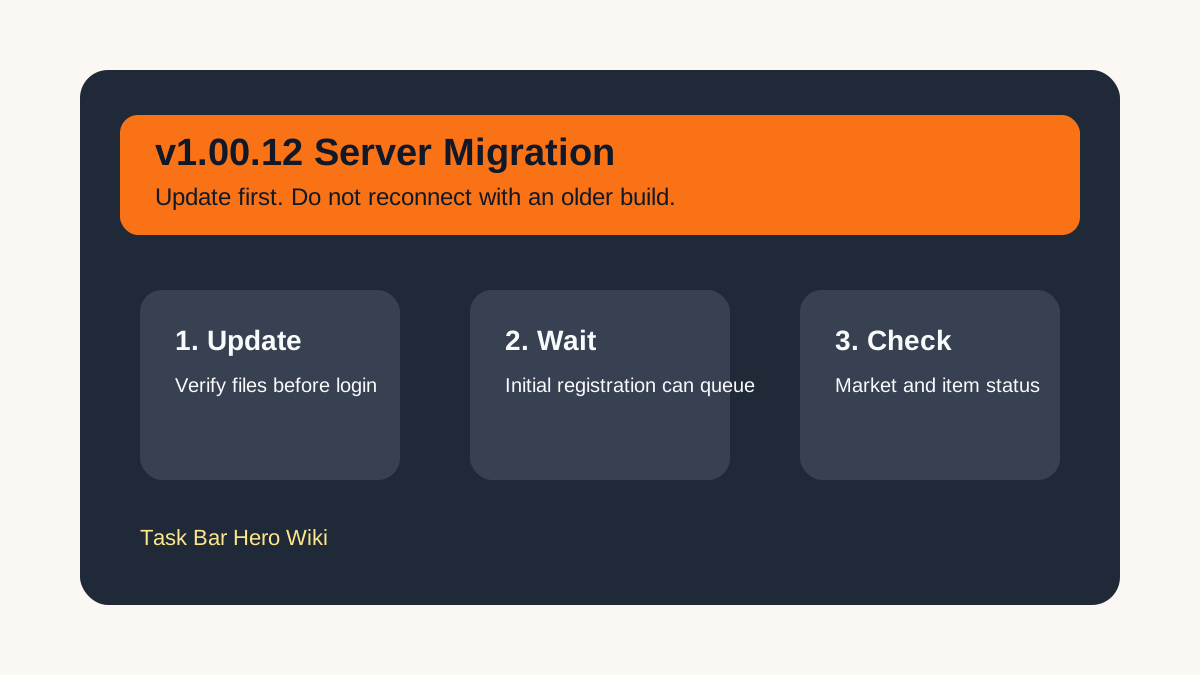
The v1.00.12 server migration is the most important Task Bar Hero update to check before touching valuable items. The official June 15 notice moved the scheduled build time again and warned that connecting to v1.00.12, then reconnecting with an earlier version, may cause item loss that cannot be recovered.
Use this page as a player checklist before you open the game, especially if you play from multiple PCs.
Fast Answer
| Question | Current Practical Answer |
|---|---|
| Should I update before logging in? | Yes. Update or verify files before launching. |
| Can I reconnect with an older version after v1.00.12? | Do not do that. The official notice warns of item loss risk. |
| Does initial registration wait mean something is broken? | Not by itself. Up to 1 hour of wait may be assigned during crowding. |
| Should I rush Market, Cube, or chest actions? | No. Wait until the server behavior looks stable. |
| Is Market reopening guaranteed at the update time? | No. Reopening depends on server stabilization and follow-up notice. |
Login Checklist
- Close the old client.
- Update Task Bar Hero in Steam.
- If Steam does not clearly update, verify file integrity.
- Open the game only after the update is complete.
- Do not switch back to an older build after connecting to v1.00.12.
This matters most for players who move between a home PC, work PC, laptop, or Steam Deck. If one device updates and another does not, the older device becomes the danger point.
Item Safety Checklist
| Before You Act | Why It Matters |
|---|---|
| Check client version behavior first | The update changes server-side handling. |
| Avoid repeated Cube clicks | Server response delays have affected item actions before. |
| Avoid rushed Alchemy on rare gear | You need to know whether the item is valid, useful, or marketable. |
| Wait before judging missing chests | Chest display and delivery have had delayed behavior. |
| Treat suspicious duplicated items carefully | The update includes abnormal item checks. |
What To Do If You See A Wait
Initial registration wait is not the same as a ban, missing account, or item wipe. If the wait appears during the migration window, the safest move is to wait instead of repeatedly restarting the game.
Repeated relaunching can create more confusion when the issue is simply server crowding. If the client asks for an update or behaves like an old build, stop and verify the installation before continuing.
Related Pages
Use the Steam Market guide, Market tracker, Drops tracker, and Items guide before making expensive decisions after v1.00.12.
Next reads
Continue with the beginner route, update notes, or the full guide archive when you want a different angle.